What is Rollfilm?
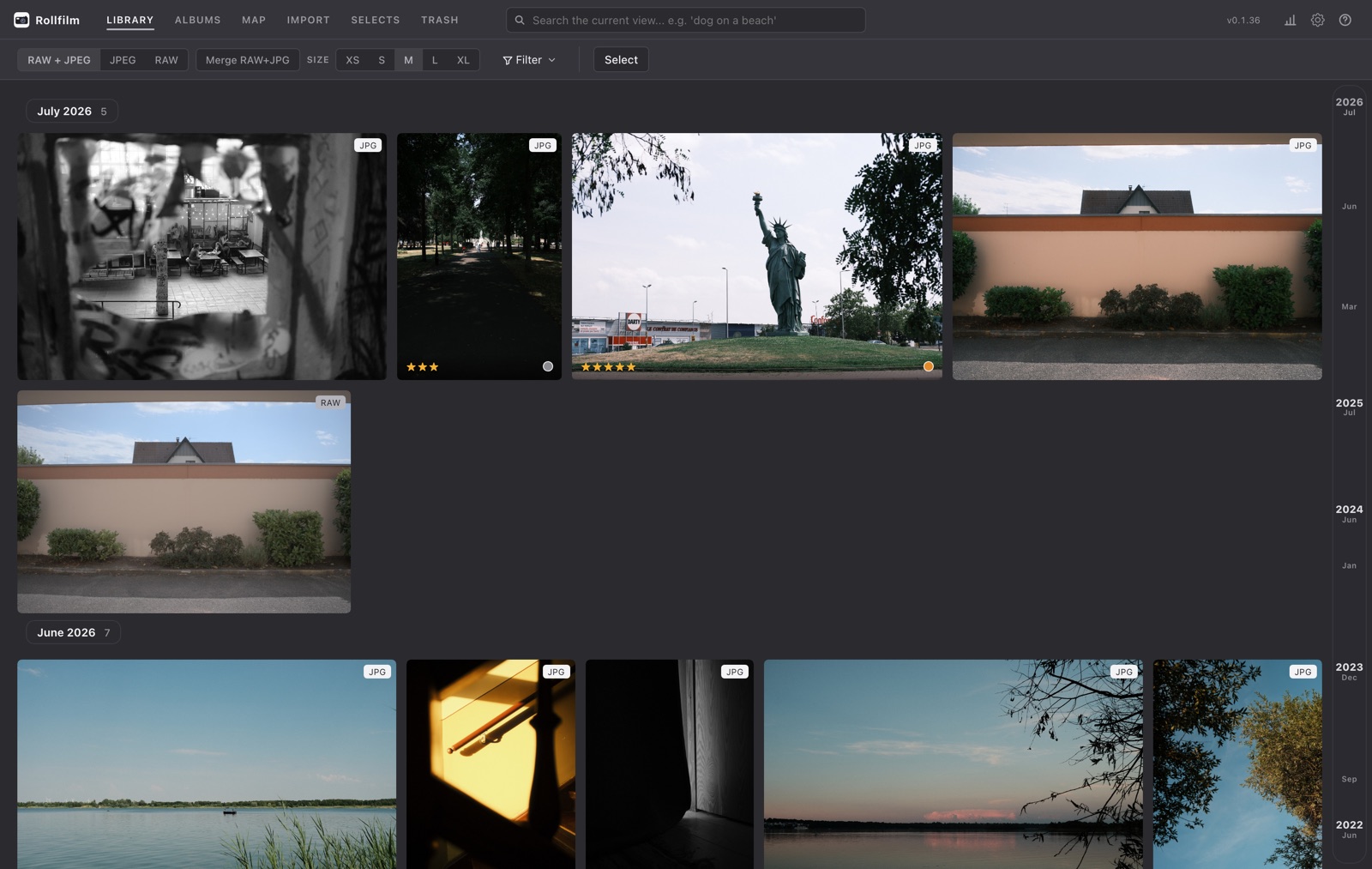
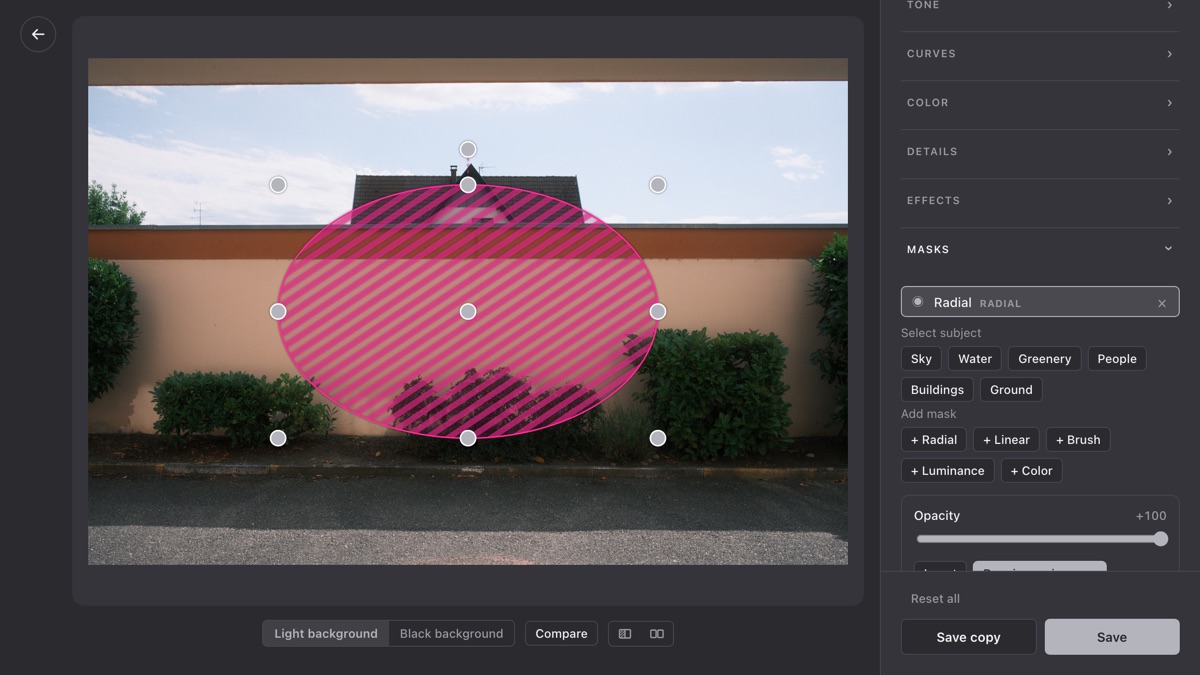
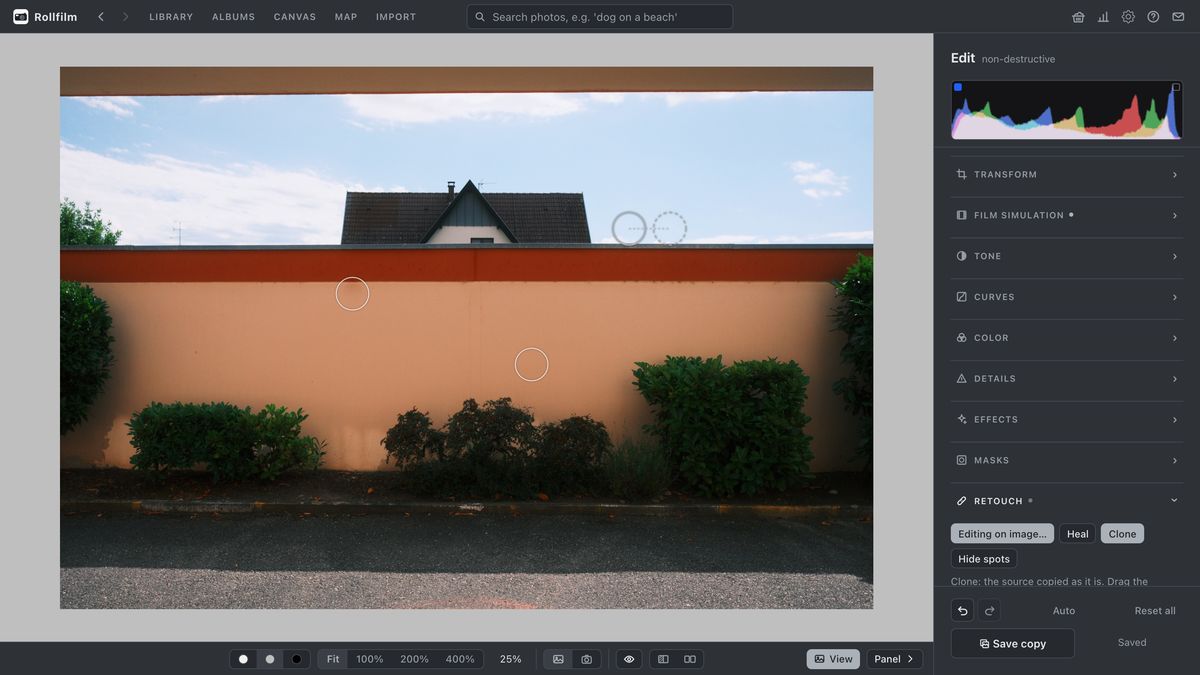
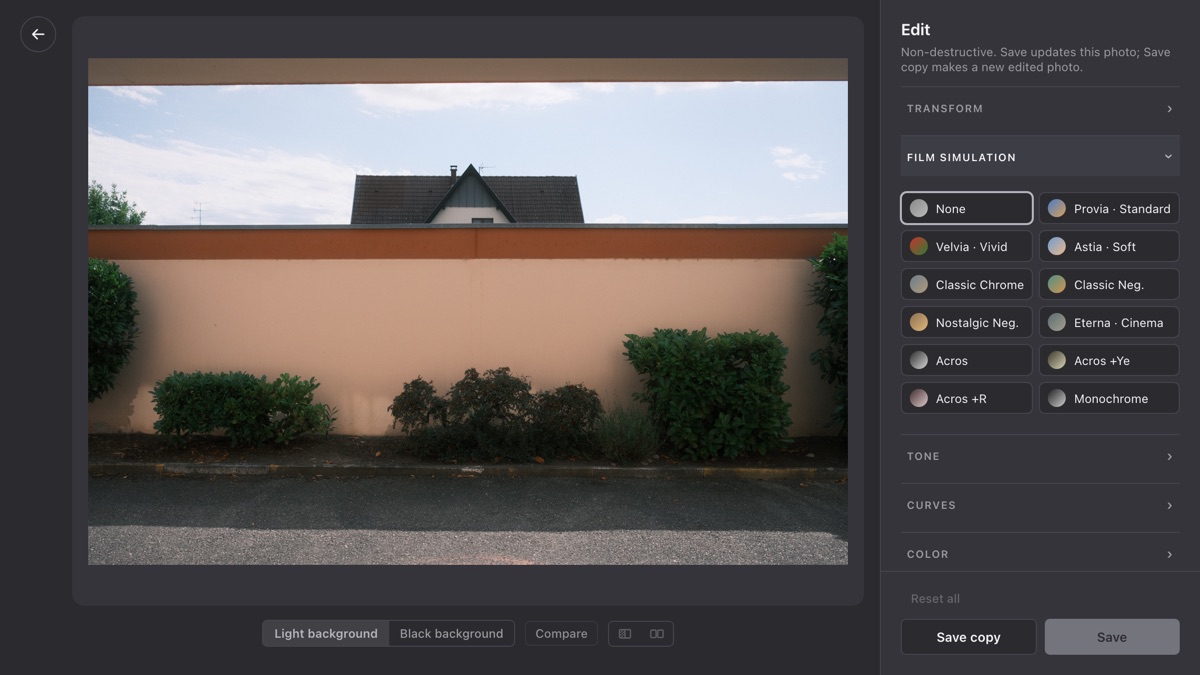
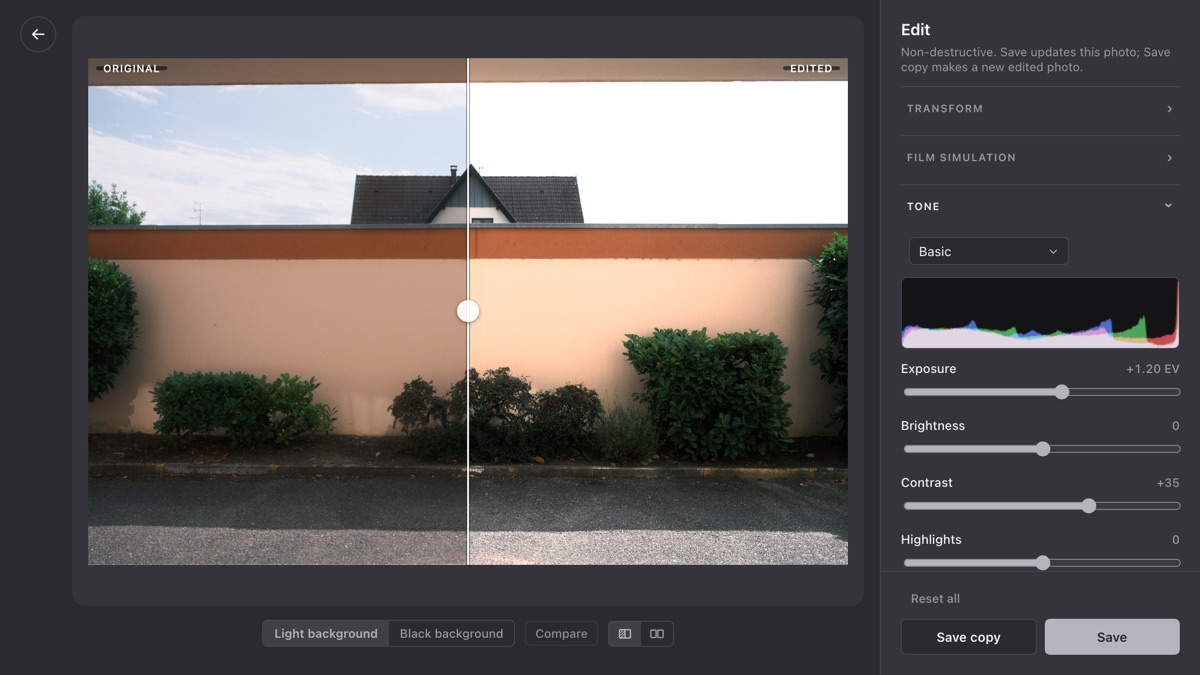
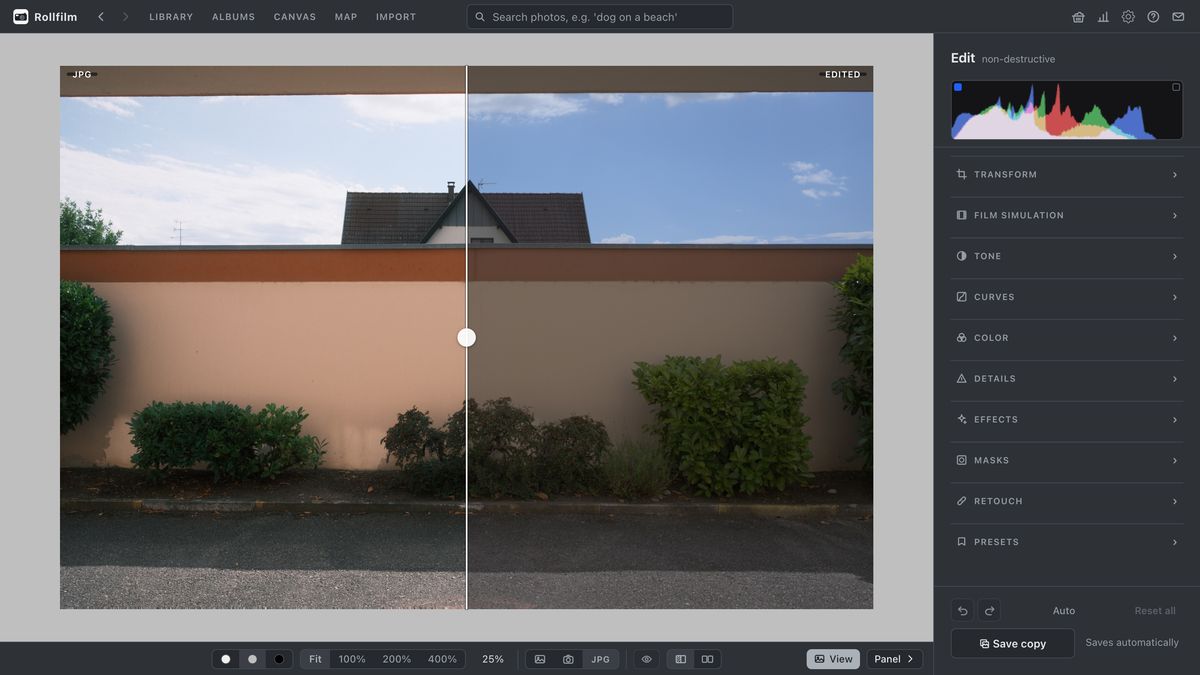
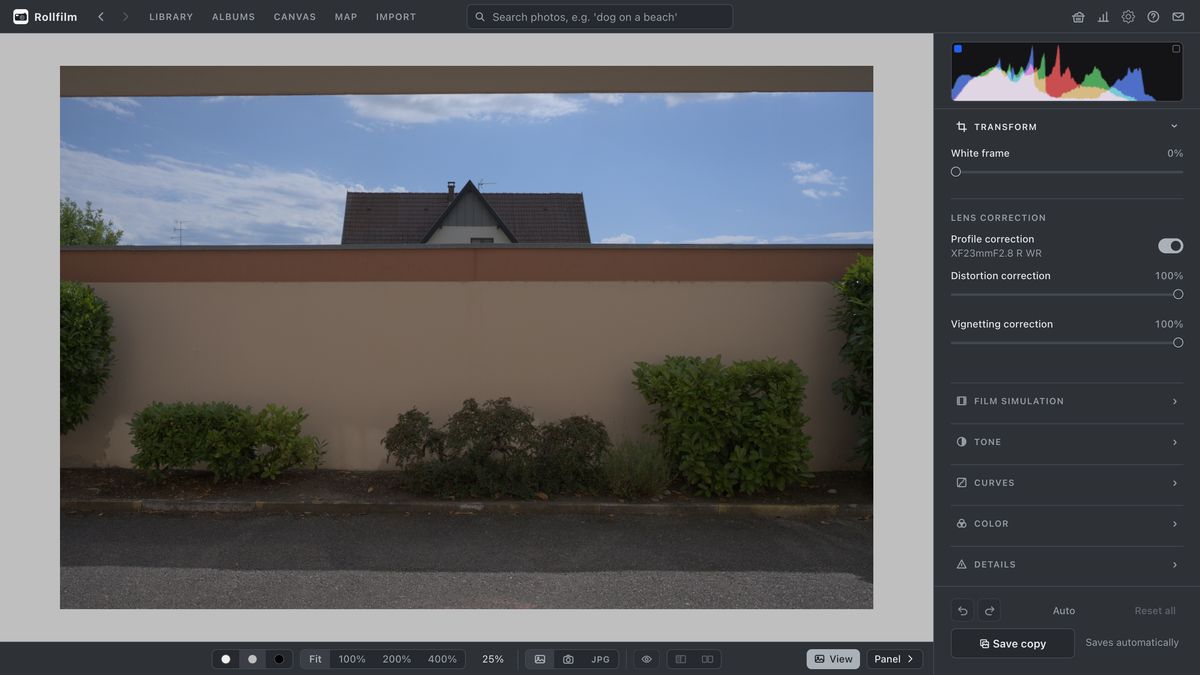
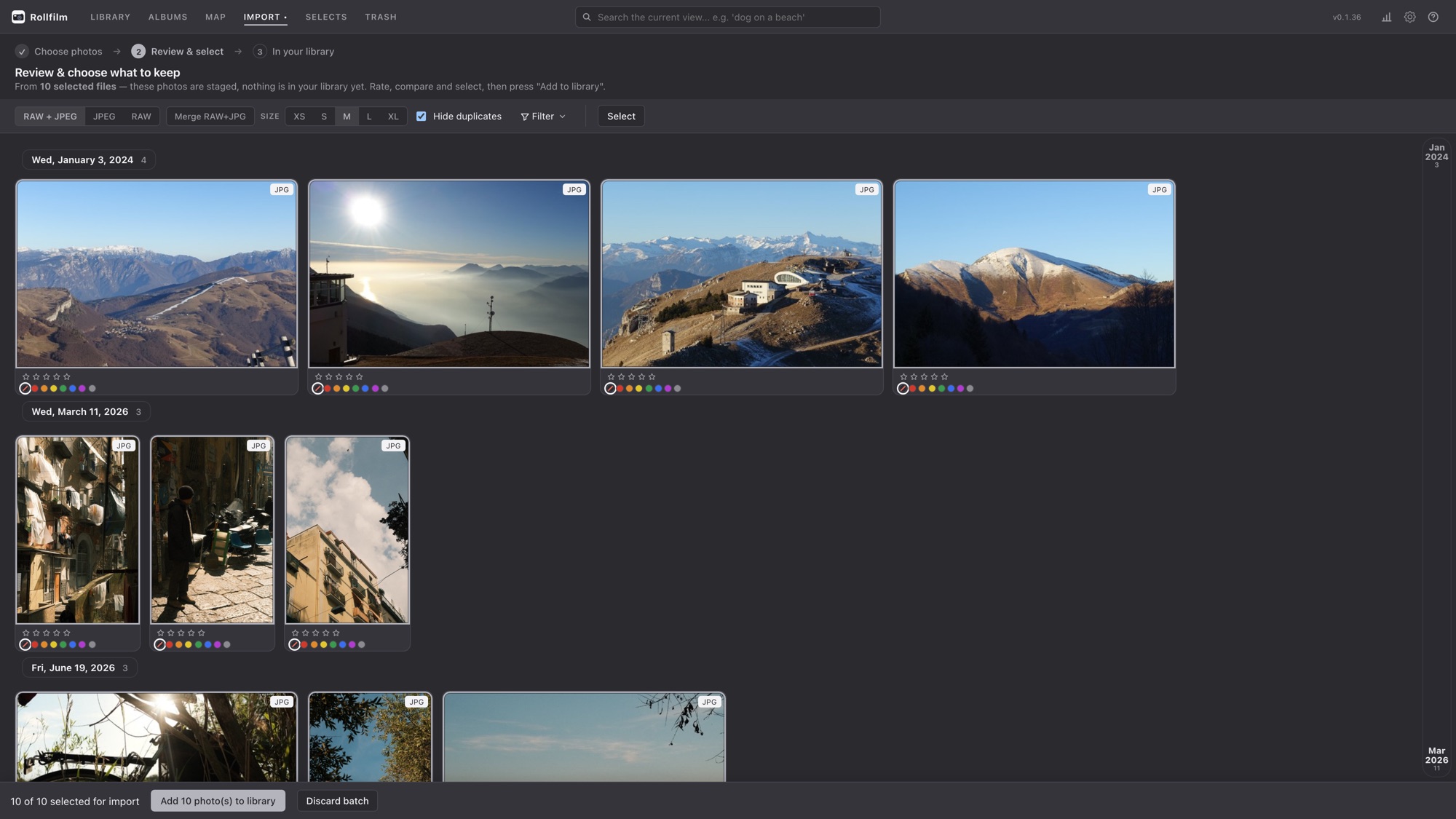
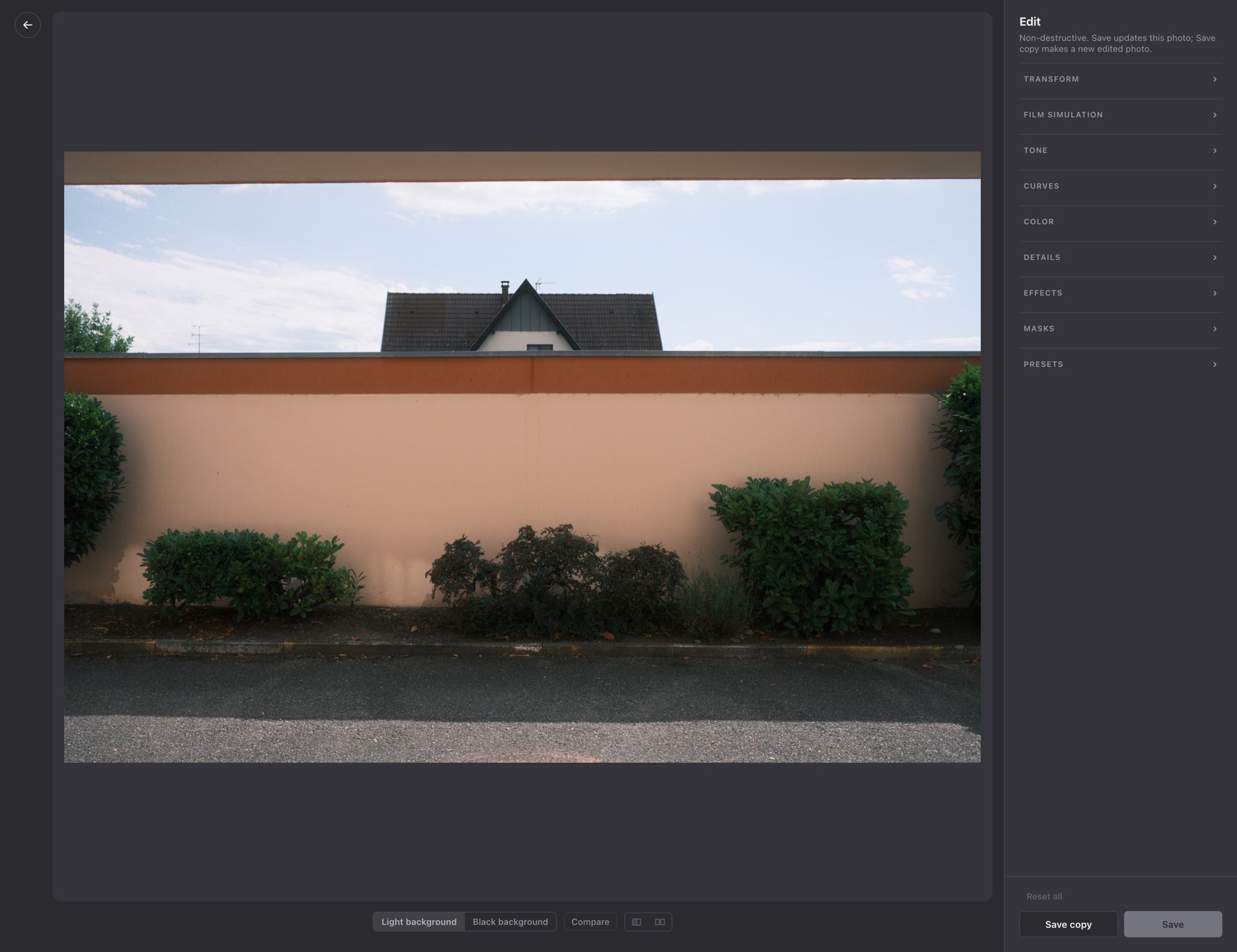
Rollfilm is a free, open-source desktop app for macOS, Windows and Linux that takes a photo the whole way: import from a card, cull, search, edit RAW and JPEG non-destructively, and optionally sync the results to your own Immich server. The library lives on your own computer or NAS, there is no account and nothing is uploaded to a cloud service.
Is Rollfilm free?
Yes. Rollfilm is free of charge and the source code is published under the MIT license. There is no paid tier, no subscription and no account. Donations are welcome but optional.
Does Rollfilm need a server, Docker or an internet connection?
No. Rollfilm is a normal desktop application you install like any other program. There is no server and no Docker. The only time it needs the internet is the one-off download of the search model on first start, and afterwards for your own Immich server if you choose to connect one.
Where are my photos stored?
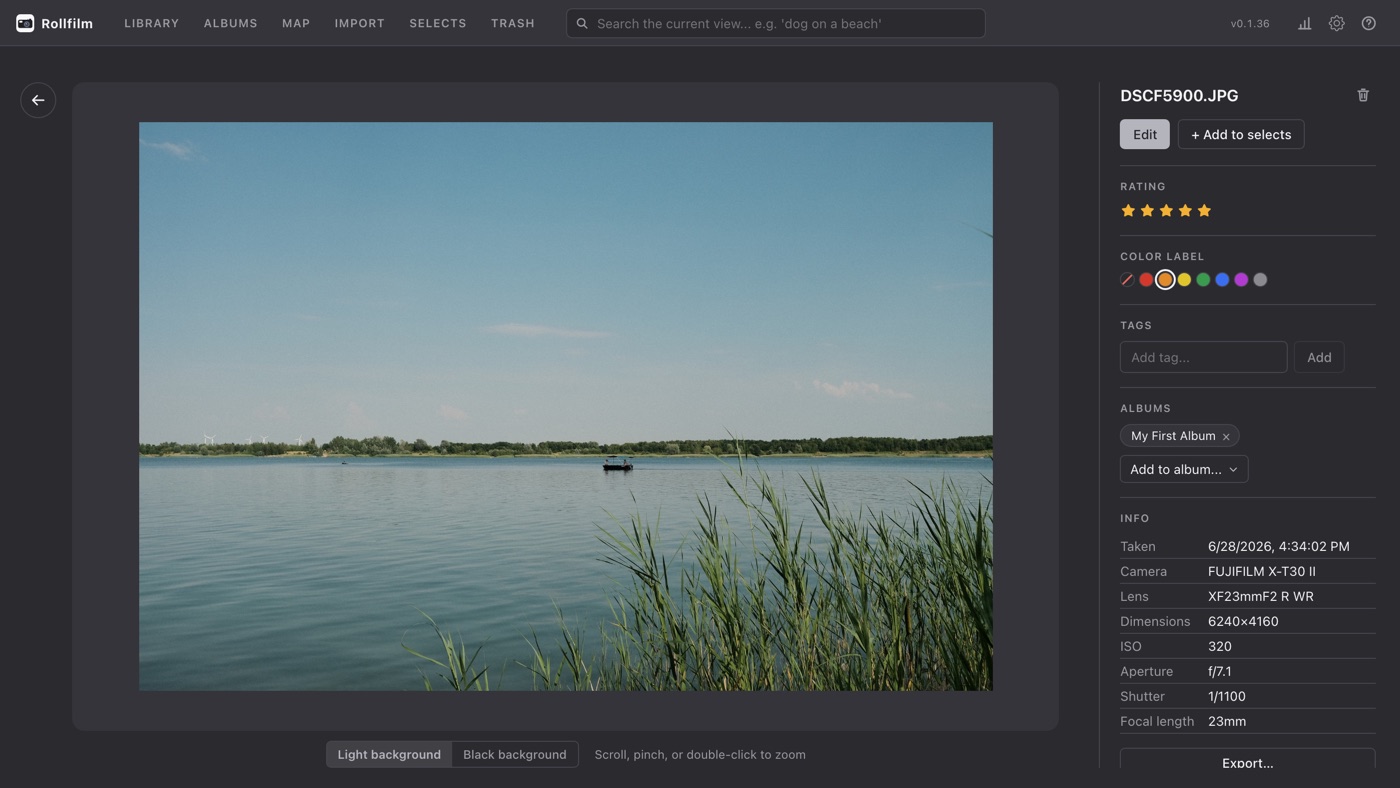
In a library folder that you pick on first start. The database, thumbnails and import staging live in a hidden .photomanager subfolder inside it, so the whole library is self-contained and moves with the folder. You can point the app at a different folder later to switch libraries.
How does searching photos by description work?
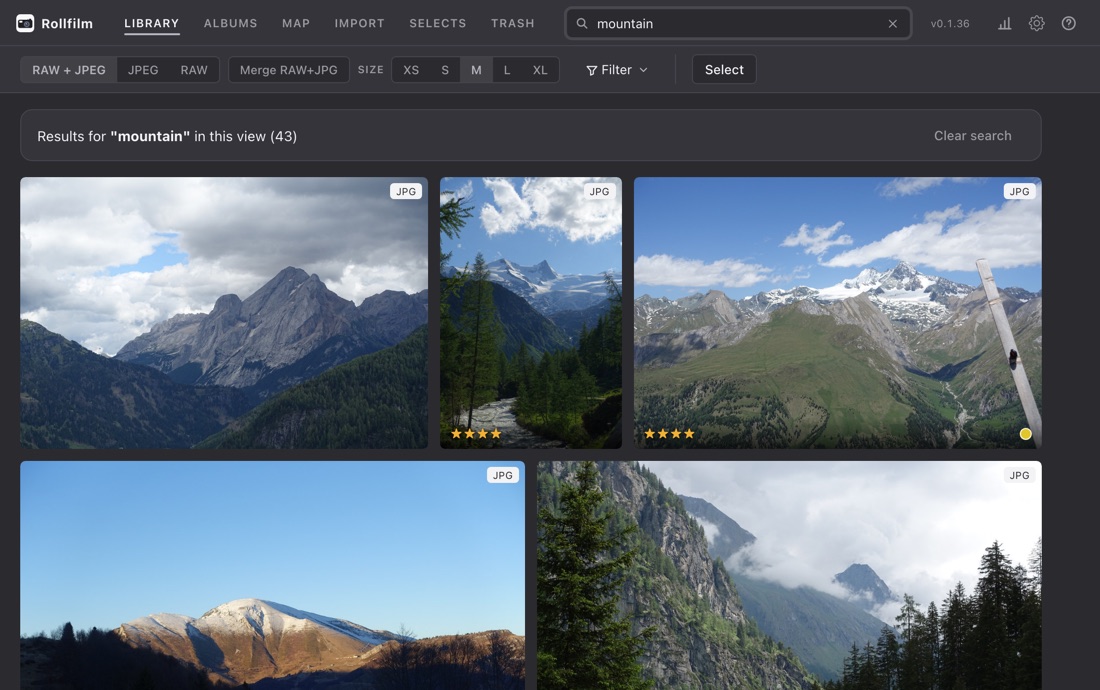
Rollfilm runs a local CLIP model on your machine and stores the resulting embeddings in its own database. Typing something like “sunset at the beach” or “dog in the snow” matches photos by what they look like, without any tagging first. No image and no search term ever leaves your computer.
Does Rollfilm work with Immich?
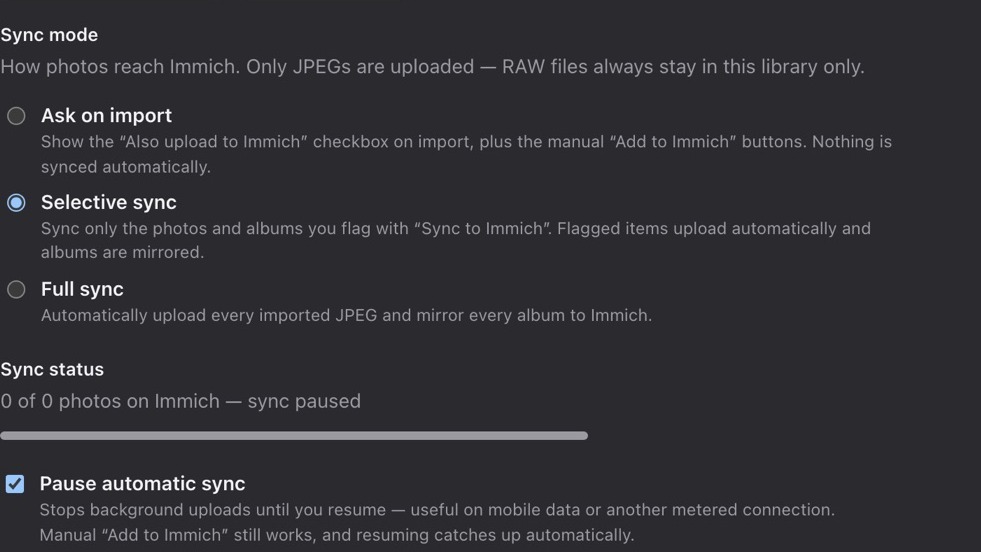
Yes. Enter your Immich host and API key in the settings and choose a sync mode: ask on import, selective sync for the photos and albums you flag, or full sync for everything. A background loop uploads what is missing, mirrors albums, matches assets by checksum so Immich does not fill up with duplicates, and propagates deletions. JPEGs are uploaded by default and RAW files only if you switch that on, so your negatives can stay at home, and automatic sync can be paused on a metered connection.
Can Rollfilm read RAW files?
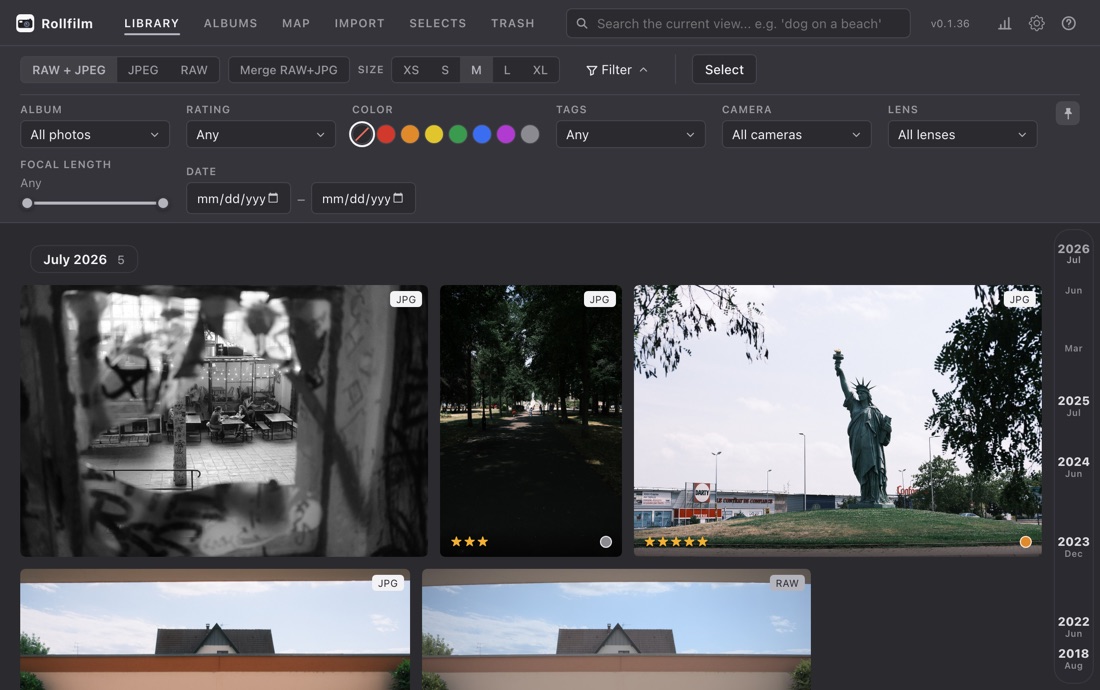
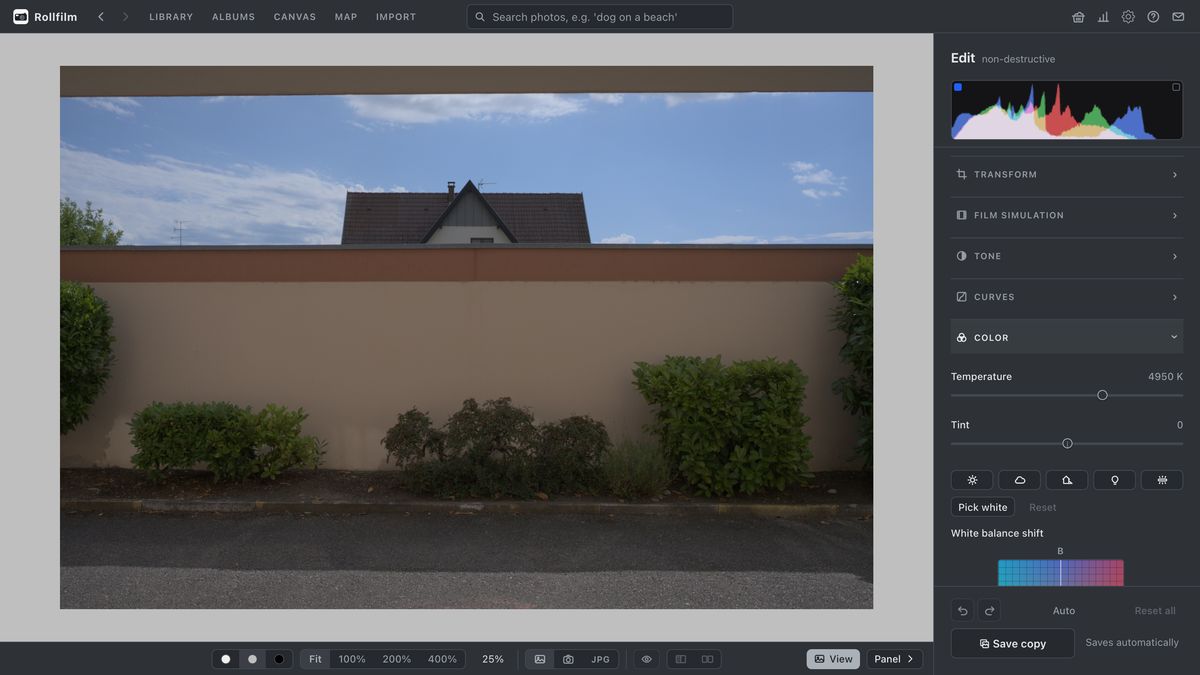
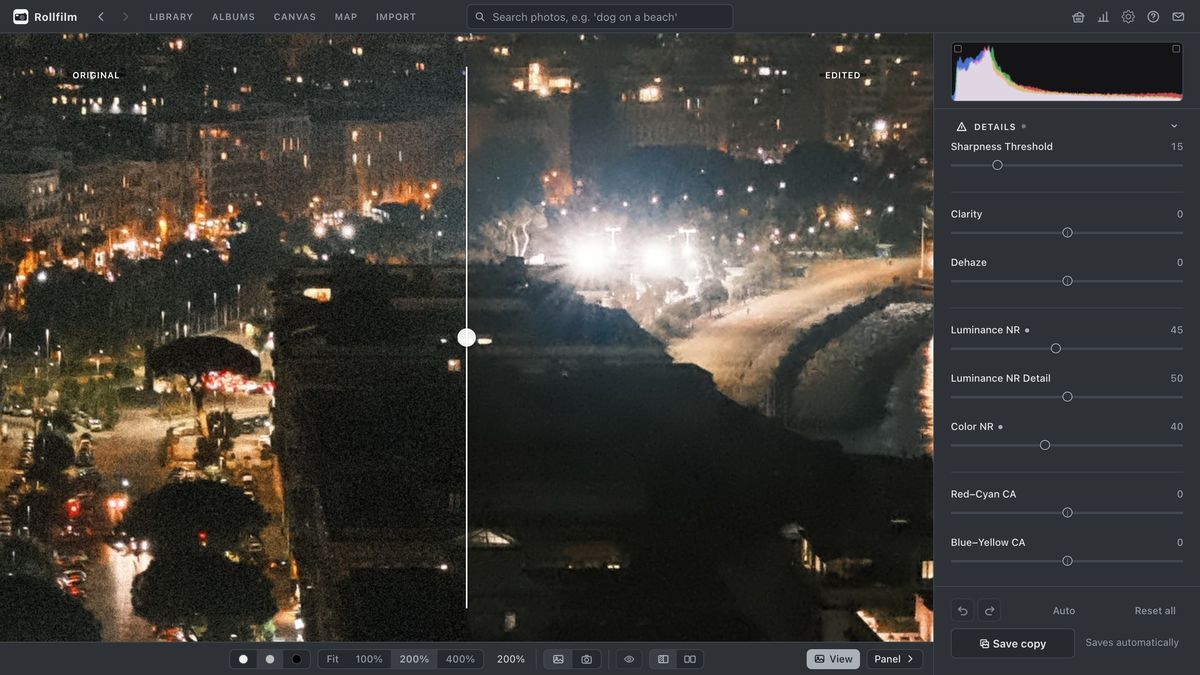
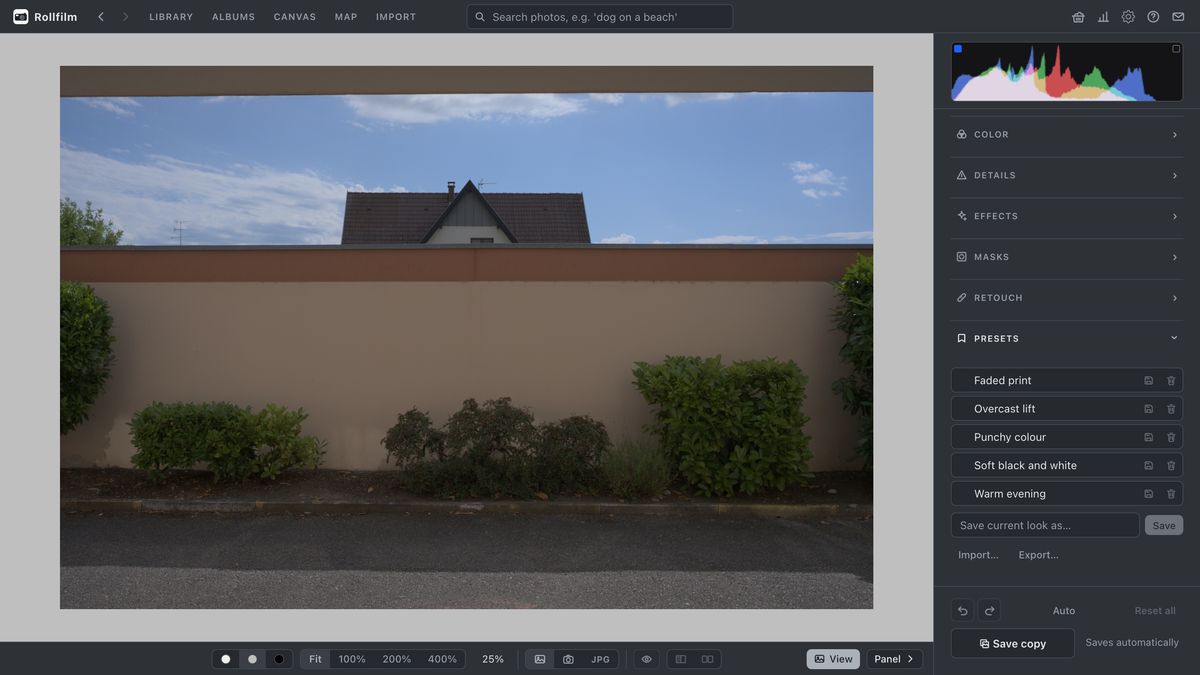
Yes. Rollfilm reads RAW files, keeps them paired with their JPEG siblings as a single tile, and gives every RAW a sensible starting correction so it does not look flat on screen. You can switch that off and see the RAW exactly as the camera recorded it.
Is Rollfilm an alternative to Lightroom or Apple Photos?
It covers the same path from memory card to a searchable, edited library, but it is a one-person project, not a Lightroom subscription. Library, search, organizing, the editor and the Immich sync are all used daily on a real library; what Rollfilm does not try to be is Lightroom's ecosystem of mobile app, cloud sync and plug-ins. Compared with Apple Photos or Google Photos, Rollfilm has no cloud, no account, works on all three desktop platforms and keeps your files in a plain folder you control.
Can I merge a second Rollfilm library into my main one?
Yes. If you took a laptop and a small library travelling and culled the trip there, Import a library folds that folder into your main one and carries the work across: stars, colour labels, tags and every edit come with each photo, albums and tags merge by name rather than duplicating, and RAW+JPEG pairs stay paired. A photo the main library already has keeps its file and only takes over the newer ratings and edits. The other drive is only ever read.
Can I stop an import halfway and carry on later?
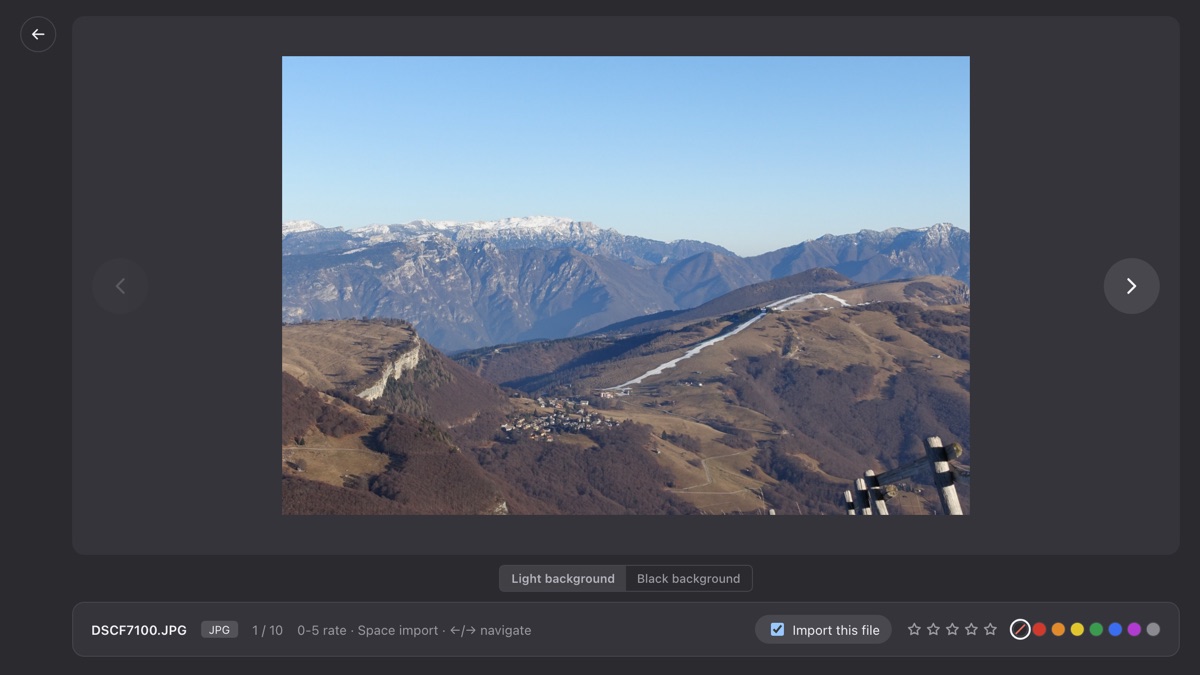
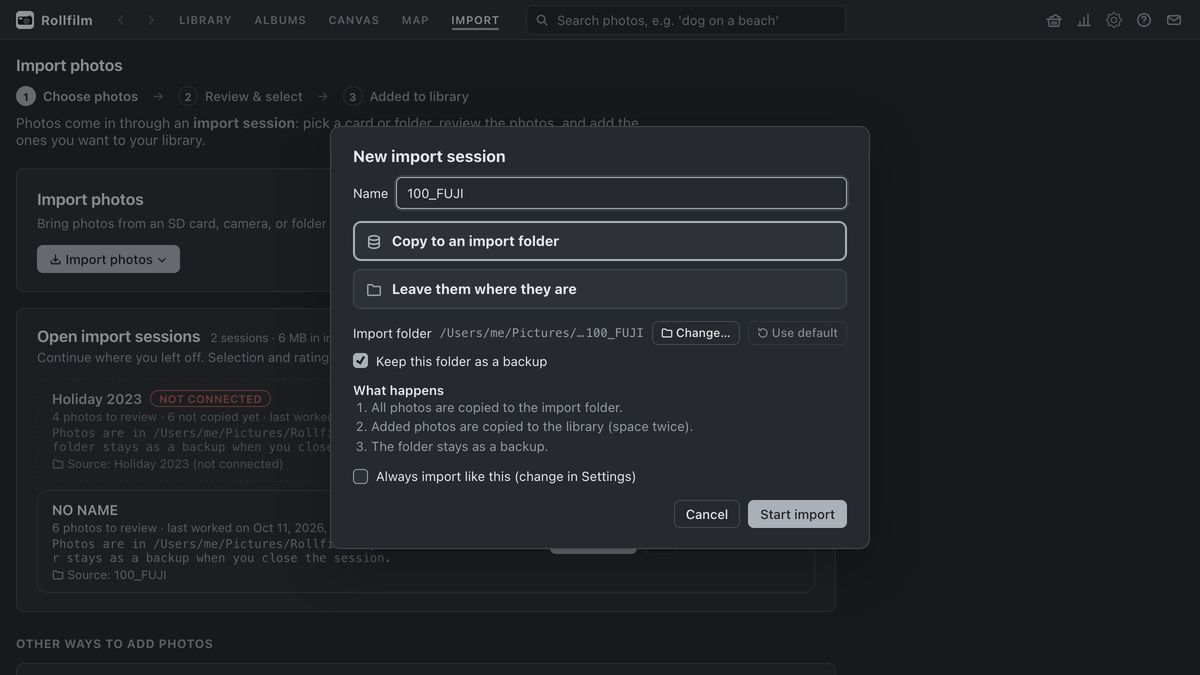
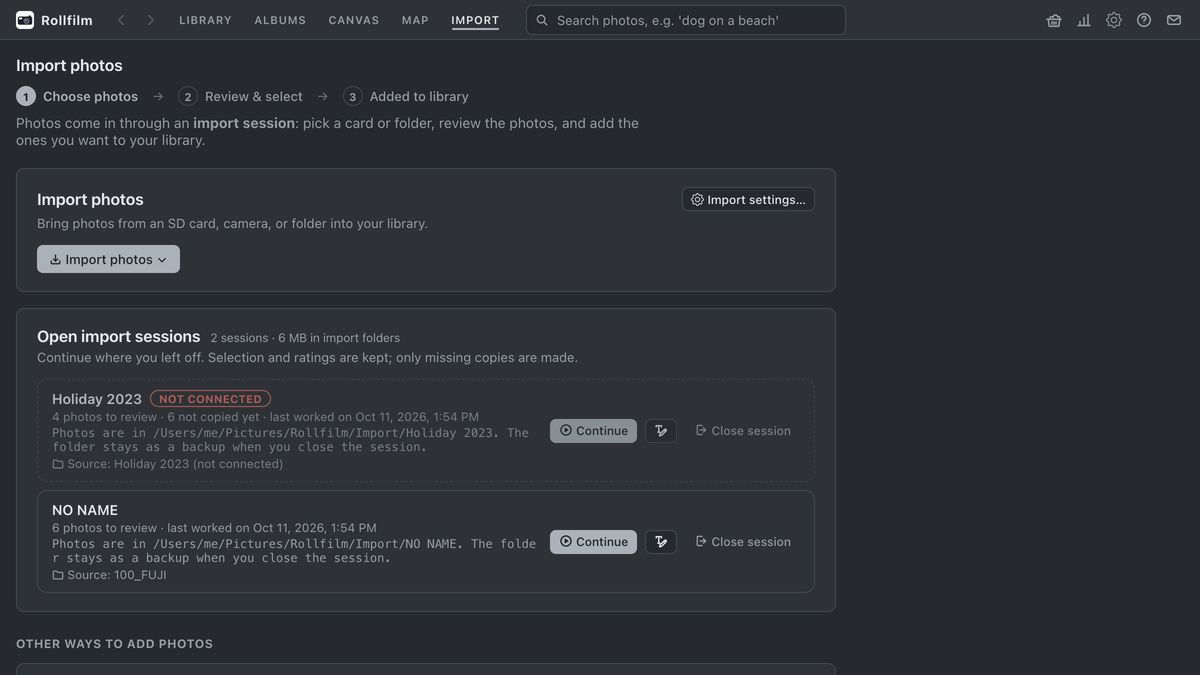
Yes. An import session stays open until you end it. Continue later closes the review and keeps your ticks, stars, labels and the files already copied. Open import sessions on the Import page lists what is still open, and Continue copies only what is not copied yet, including photos shot onto the card since. A session remembers the card itself rather than its path, so a card you pulled is recognised when it comes back, and a second card or folder can be added to the same session.
Can I make a photo book page, a poster or a contact sheet?
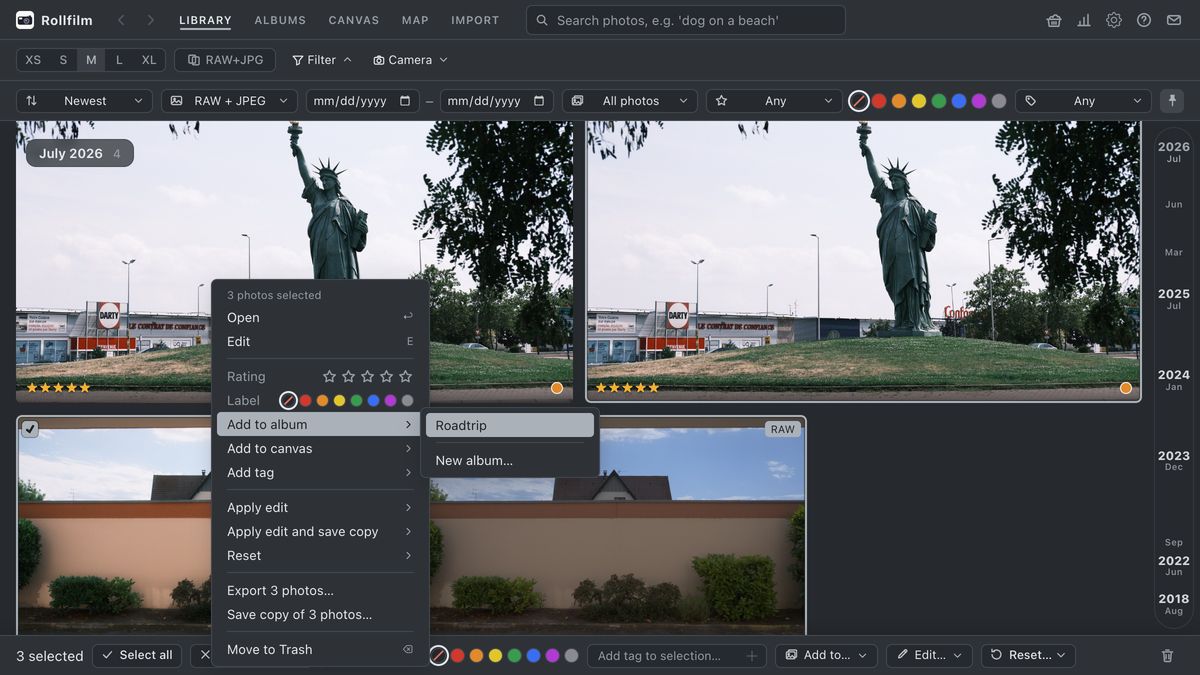
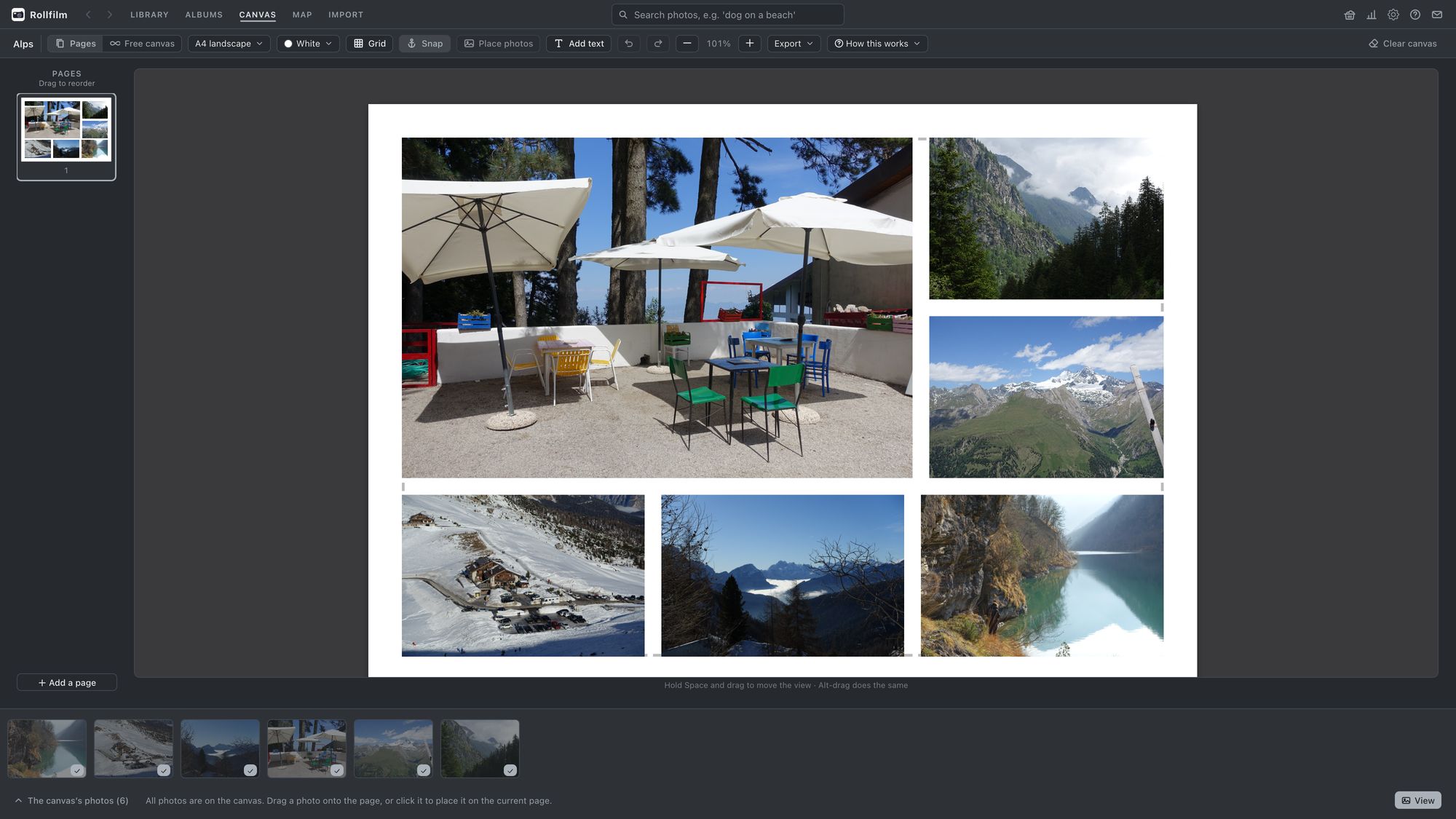
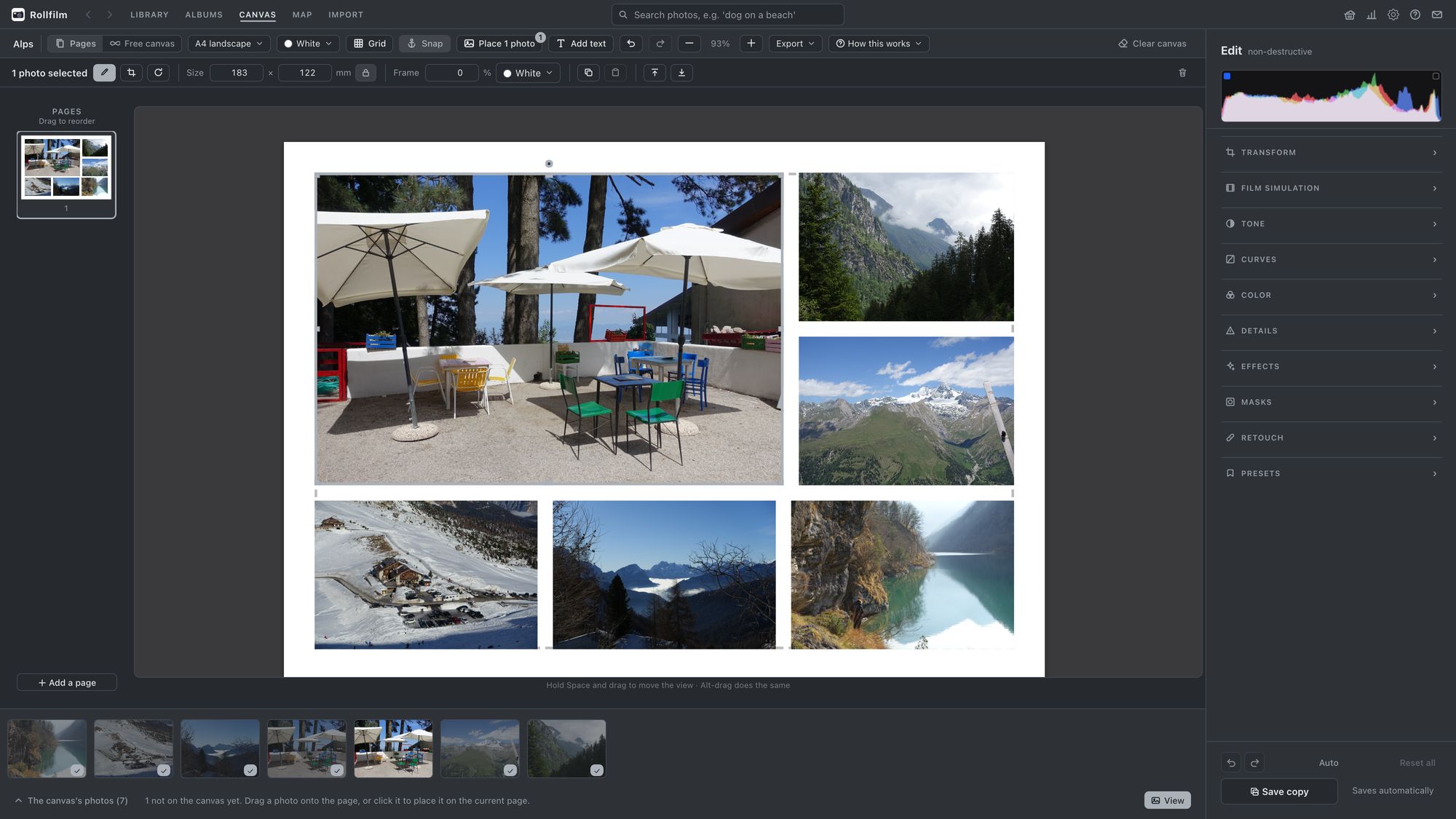
Yes. A canvas is a free design surface: pick photos and choose Add to… canvas, then drag them onto pages of one size, like a book, or onto one free sheet. A4, A3, US Letter, squares or any size in millimetres, with captions in any font on your computer, crop in frame, rotation and snapping. Edit photo docks the full editor beside the page and develops a virtual copy, so the library original is never changed. Export writes a PDF at the exact page size with every photo lossless at full resolution and text as real text, never a re-compressed JPEG.
Is a deleted photo really gone?
No. Deleting an imported photo moves it to the Trash with its stars, tags, albums and edits intact, and Restore brings it back exactly as it was. Only Delete forever on the Trash page removes the original file from your library folder. Photos from an external source are never deleted at all, because their files are not yours to remove. There is also a backup that writes every photo plus all ratings, tags, albums and edits into a single zip you can restore from.
Can Rollfilm browse photos on a NAS without importing them?
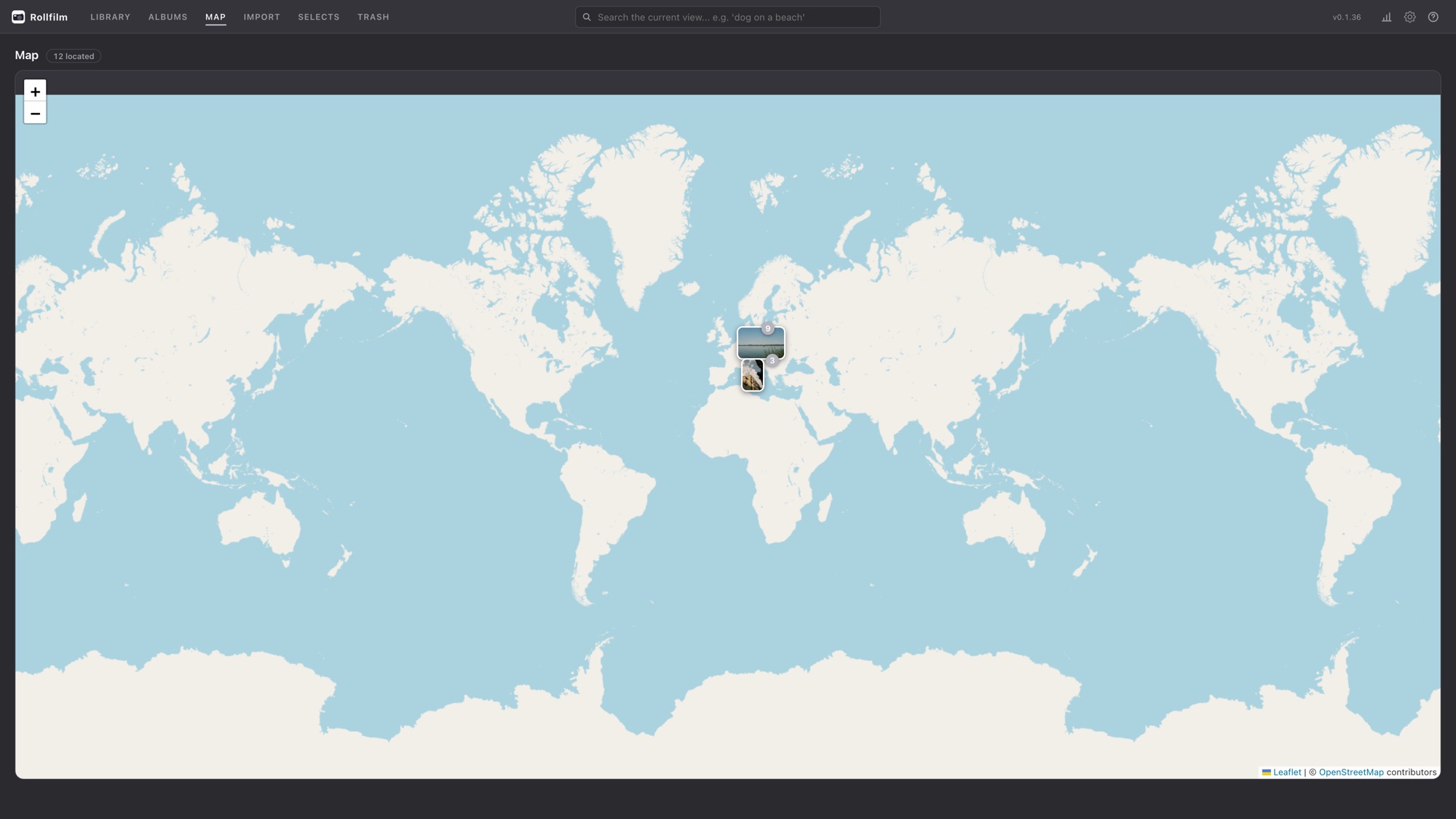
Yes. An external source points at a folder, for example on a NAS or an old archive drive, and indexes it read-only. The files stay exactly where they are and are never modified, and each source is re-scanned at startup or on demand.
Why does macOS refuse to open Rollfilm?
The app is not code-signed with a paid Apple certificate, because the membership costs 99 € a year and Rollfilm is an unpaid hobby project, so Gatekeeper blocks the first launch. What actually triggers it is an attribute called com.apple.quarantine that your browser attaches to anything it downloads. Because the app carries no signature at all, rather than one from a developer macOS has not heard of, it is reported as damaged and Privacy & Security offers no Open Anyway button, so the attribute itself has to go. Do not take the dialog's offer to move it to the Trash: that button is the only one it shows, but nothing is wrong with the file, so choose Cancel. Move Rollfilm into your Applications folder and run xattr -dr com.apple.quarantine "/Applications/Rollfilm.app" in Terminal. The marker belongs to the download rather than to the app. From then on Rollfilm updates itself, and a version it fetched itself carries no marker, so the line is needed once and only again for a .dmg you download in a browser. (Right-click → Open used to work instead; Apple removed that in macOS Sequoia.) On Windows, SmartScreen shows a similar warning: choose More info, then Run anyway.
Does Rollfilm update itself?
Yes. On macOS, Windows and Linux the app checks for a new release, downloads it in the background and applies it when you quit. Only what changed is downloaded, some tens of megabytes rather than the whole installer. On a Mac this needs Rollfilm to sit in the Applications folder; run from the disk image, it tells you a new version exists and opens the release page instead.
Can I help, or report something broken?
Please do. Bugs and ideas belong in the issue tracker, and pull requests are welcome. It is a personal project, so replies can take a while. If you would rather help with money than with code, there is a PayPal button at the end of this page.